How does a dispute and refund process work for custom orders?
2026-11-24

On HedonCustoms you have 24 hours after a custom is marked Completed to open a Content Dispute. You can ask the creator for a redo first or go straight to admin review. An admin checks the delivery against your request details only, not your chat. If it doesn't match, the payment is reversed and the request goes back to Accepted, so the creator can redo it or either of you can walk away. If you confirm you're satisfied before the 24 hours are up, you can't dispute that delivery.
How does a dispute and refund process work for custom orders?
This post walks through the dispute itself, step by step. If you only want to know whether you can get your money back, start with getting a refund when custom content doesn't match your request.
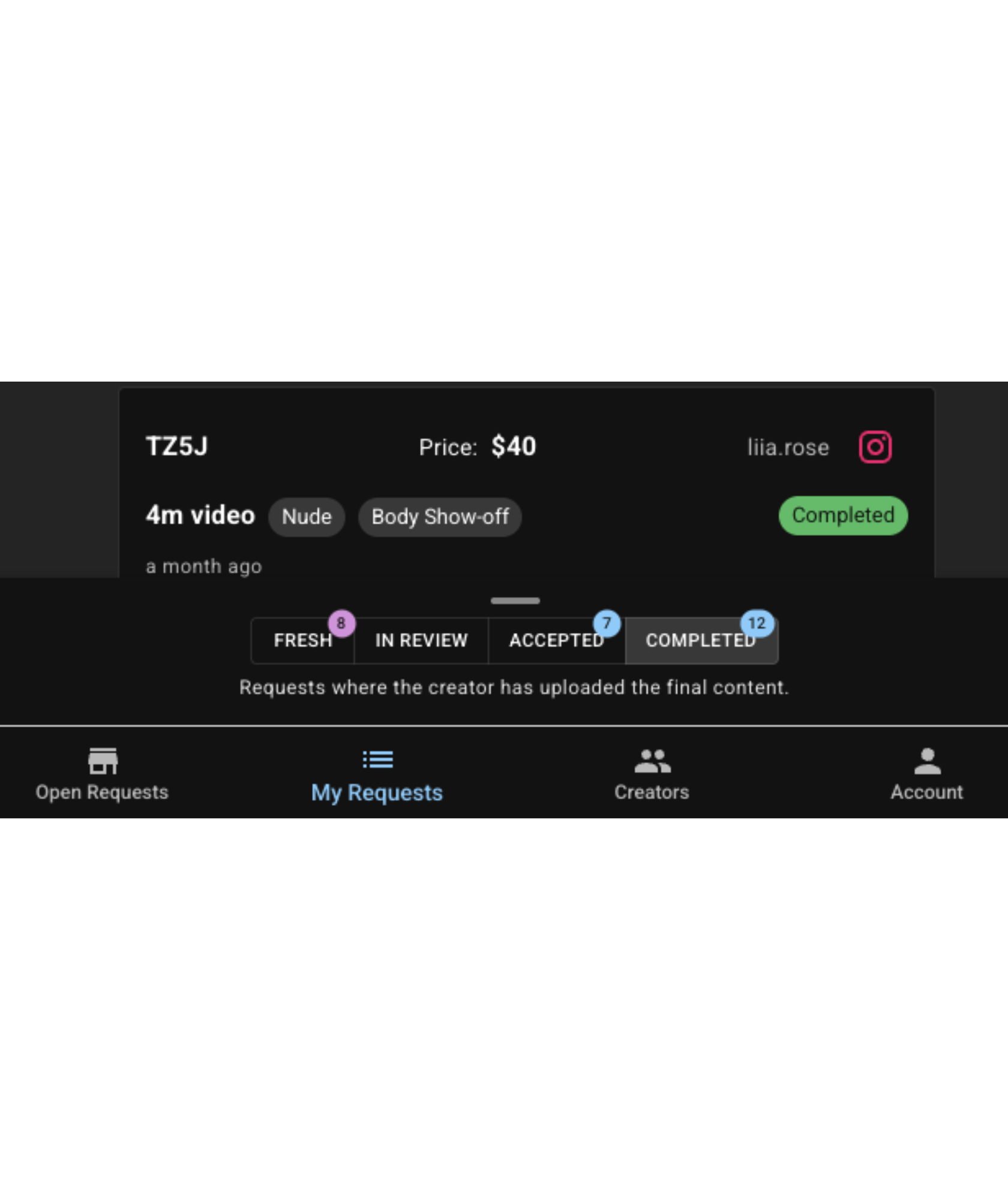
- The creator uploads your photos or video and the request moves to Completed. Your 24 hours start here.
- Open the whole delivery and compare it with your request: the format (Pictures or Video), the written instructions, any reference images, and any edits the creator made to the request before accepting it.
- If something in the request is missing or different, open a Content Dispute before the 24 hours run out.
- Choose a redo or admin review. If you ask for a redo, the creator has 24 hours to accept or decline. If they decline or don't answer, the dispute goes to admin review.
- All updates on the dispute come through your Support chat.
What does the admin review?
Only the request details: the text instructions, reference images, poses, and anything else in the request form. Admins can't see chat messages. If you asked for something in chat but never added it to the request, it can't be used to reverse the delivery.
That rule also decides what isn't covered. Changing your mind after getting what you asked for doesn't count, and neither does "I thought it would look different" when the content matches the request. Disputes filed after the 24-hour window aren't accepted, and repeated bad-faith disputes can lead to an account review.
What can happen after you open a dispute?
While the dispute is under review nothing changes: the content stays up and the payment stays held.
- If the content matches the request, the dispute is closed and the creator keeps the earnings.
- If it doesn't match, the request resets to Accepted and the payment is reversed. The creator can redo it, or either side can walk away.
- In rare cases, when the request was vague, both sides have a point and neither wants a redo, the admin may split the payment 50/50.
How do redos work?
A creator can offer a redo within 48 hours of delivery, with or without a dispute. Their earnings are reversed, the request goes back to Accepted, and they upload a new delivery. Each request gets at most 2 redos. After that, the delivery is final or goes to admin review.
A redo delivery gets its own 24-hour window, so you can dispute it or withdraw the request. Keep your redo request tied to what the original request said. New instructions added at this point are a new request, and the admin won't count them.
How do you explain a mismatch?
Keep it short. Quote the instruction from your request, say what the delivery has instead, and say what would fix it. If the request asked for particular wording and the video leaves it out, name the wording and the spot where it's missing. You don't need to guess at the creator's intentions.
Check the whole delivery before you write anything, and list every mismatch in one go. With only 2 redos per request, reporting one problem and finding another later wastes one.
Not sure whether you have a case? Message Support first. Many concerns get sorted out without a formal dispute.
Is a dispute refund the same as a declined-request refund?
No. If you prepaid, your bid comes out of your balance when you send the request. If the creator declines it, or you withdraw it before they accept, the money goes back to your balance instantly. With Pay Later, you pay only after the creator accepts. A dispute is about content that has already been delivered, and its outcomes are the ones above.
A reversed payment goes back to your HedonCustoms balance. You can top up that balance by card through CCBill or with crypto through NOWPayments. If you want a reversal sent back to your card, message Support chat. Every card refund has a 10% processing fee. The team aims to start it within 24 hours, and the credit usually shows up in 7 to 10 business days (CCBill policy).
Should you confirm delivery before checking the content?
No. When you tap I'm satisfied, you give up the rest of your dispute window on that delivery, and the creator can be paid sooner. Look through the full photo set or watch the whole video first. If you do nothing, the delivery is accepted once the 24 hours pass.
A creator you've followed for a long time on X or Reddit can still miss a detail. Every HedonCustoms creator passes ID verification through Veriff, which tells you who they are. Checking the delivery against your request is still your job.
How do you avoid a dispute on your next request?
Chat is fine for questions, but the final details have to go in the request, because that's what gets reviewed. Choose Pictures or Video, write out the details that matter, and read any edits the creator makes before you agree to them. For more on writing it, see how detailed a custom content request can be.
FAQ
How long do I have to dispute a custom photo or video order?
Can I get a refund if my custom content doesn't match the request?
Does the admin read my chat with the creator?
How many redos can a creator do?
What happens if the creator declines my prepaid request?
Can I get a dispute refund back on my card?
Can I dispute after I tap I'm satisfied?
Related guides
- Can you get a refund if custom content doesn't match your request?
- Can you cancel a custom content order after paying?
- What happens if a creator doesn't deliver your order?
When you're ready, request custom photos or videos on HedonCustoms.