How much should you budget for a custom adult video request?
2026-11-18

Pick the most you're willing to spend before you write the request, then make an offer at or under it. On HedonCustoms you set your own bid, and for a prepaid request that amount leaves your balance as soon as you send it, so only budget money you're fine having held while the creator decides.
How to set your budget for a custom video
- Pick your cap. Decide the most you'll spend on this one video, from money you don't need for anything else.
- Check typical prices. Our guide to how much a custom video request costs covers what drives the price. This page is about deciding your own limit.
- Size the request to the cap. Length in minutes and the number of things you want in the video both affect what a creator will accept for your bid.
- Split must-haves from extras. If the creator wants to cut something, you'll already know what you can drop.
- Make your offer. Set a bid at or under your cap and send the request.
- Decide your walk-away point now. If the creator's edits push past your cap, you can say no.
What changes how much you need
- Length. Video requests have a length in minutes. Longer usually means more work for the creator. See requesting a specific video length.
- How much you ask for. Several required parts, outfits or lines add up. Cut the extras before you raise the bid.
- The creator. Each creator decides what's worth their time. The same request can be accepted by one and declined by another.
- Photos instead of video. If a custom video is past your budget, a custom photo set may fit. See custom photo set costs.
If you're working with a small budget, the guide for budget buyers goes further.
Write a request that matches what you're paying
A clear request makes your bid easier to accept and gives you something to check the delivery against. Keep it in three parts:
- Must-haves: what has to be in the video for you to be happy.
- Nice-to-haves: things you'd like but can drop.
- No-gos: anything you don't want included.
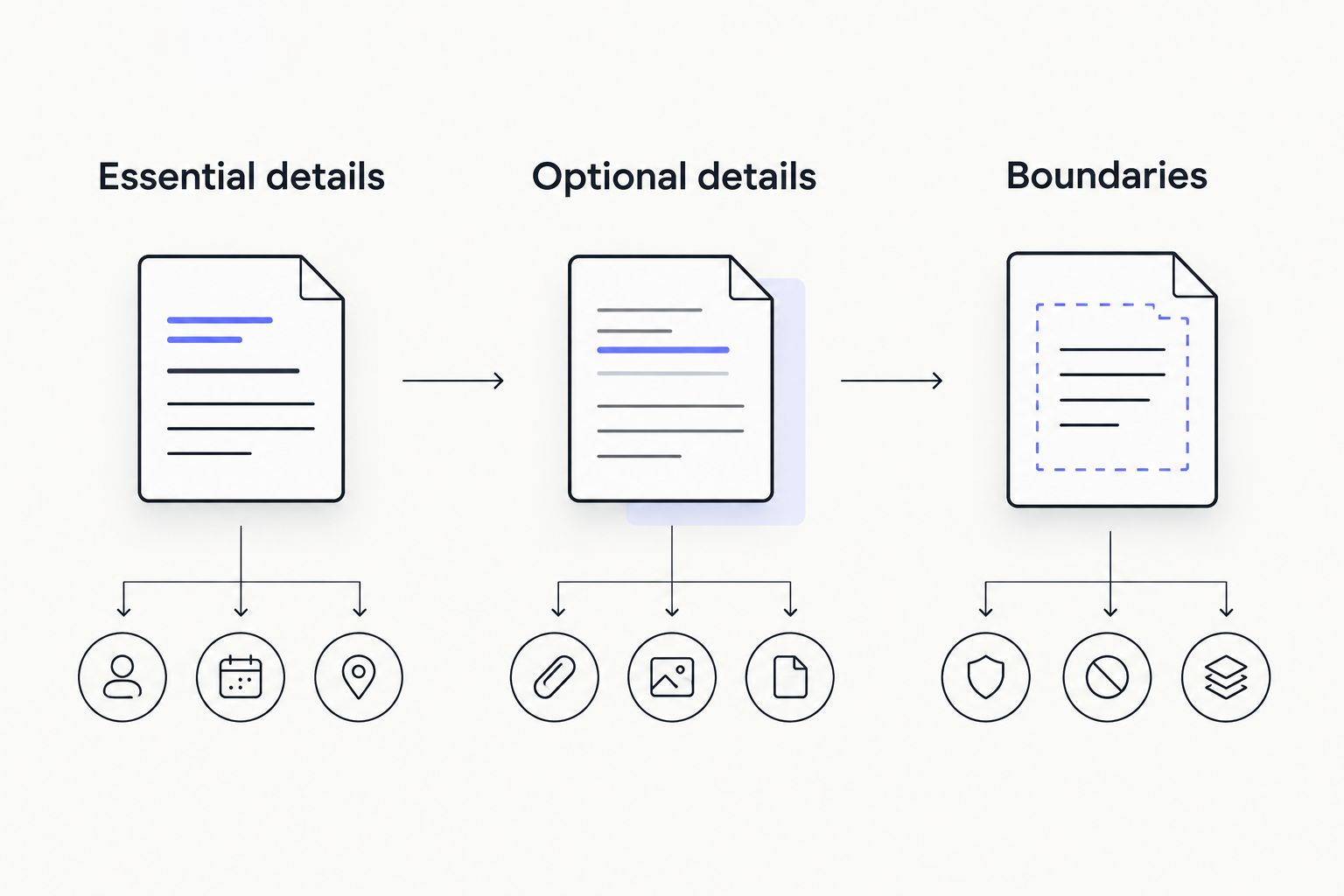
Put all of it in the request itself, not just the chat. If you dispute the delivery later, the review looks at the request details, not your messages. More in how detailed a custom content request can be.
When the money leaves your balance
You top up a USD balance by card (through CCBill) or crypto (through NOWPayments), then pay for requests from it.
- Prepaid request: the bid comes out of your balance when you send the request, before the creator accepts. HedonCustoms holds it until delivery.
- Pay Later: some requests offer this, so you pay after the creator confirms.
- Decline or withdraw: if the creator declines, or you withdraw before they accept, the bid is refunded to your balance instantly.
So don't send a prepaid request with money you'll need while you wait. Unused card balance can be refunded to your original card by asking Support.
Do you need to add the platform fee to your bid?
No. Creators keep 99%. The 1% platform fee comes out of what the creator earns, not on top of your bid. Budget for the bid itself. If you pay by crypto, the top-up has its own service fee of about 1%, so allow for that when you add funds.
If the creator edits your request
Creators can edit a request before accepting it, for example to change the length or drop a part. Compare their version with your must-haves. If it still covers them at your price, go ahead. If it doesn't, you don't have to raise your cap. You can withdraw before acceptance and get your bid back instantly, or send the same request to a different creator.
Protect what you spend after delivery
When the video arrives, watch all of it and check it against the accepted request. If it doesn't match, you have 24 hours to file a content dispute. The creator can offer a redo, up to 2, or the team can approve a refund.
Confirming early releases the money to the creator right away, so only do it once you've checked everything. See getting a refund when custom content doesn't match.